Your real-estate work.An AI workforce alongside it.
Manage clients, listings and deals in one workspace. Work directly, or give Chippi and your agents a task with the context and tools it needs.
See how the AI workforce works
Chippi
Your next move, handled.
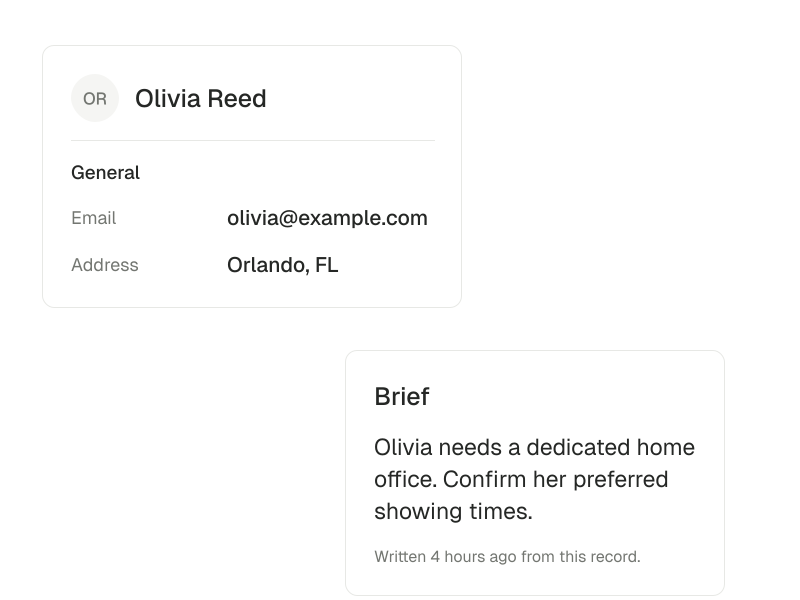
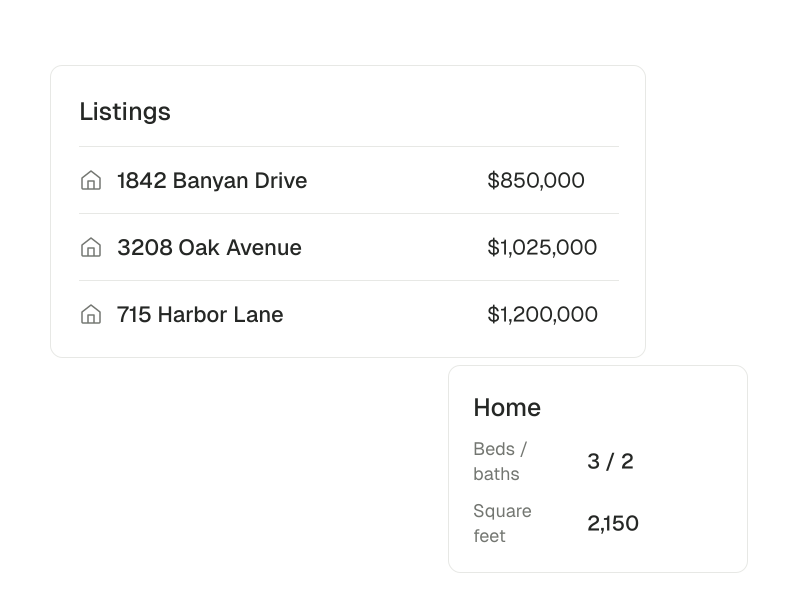
Prepare a consultation brief for Olivia using her current requirements and the Banyan Drive property record.
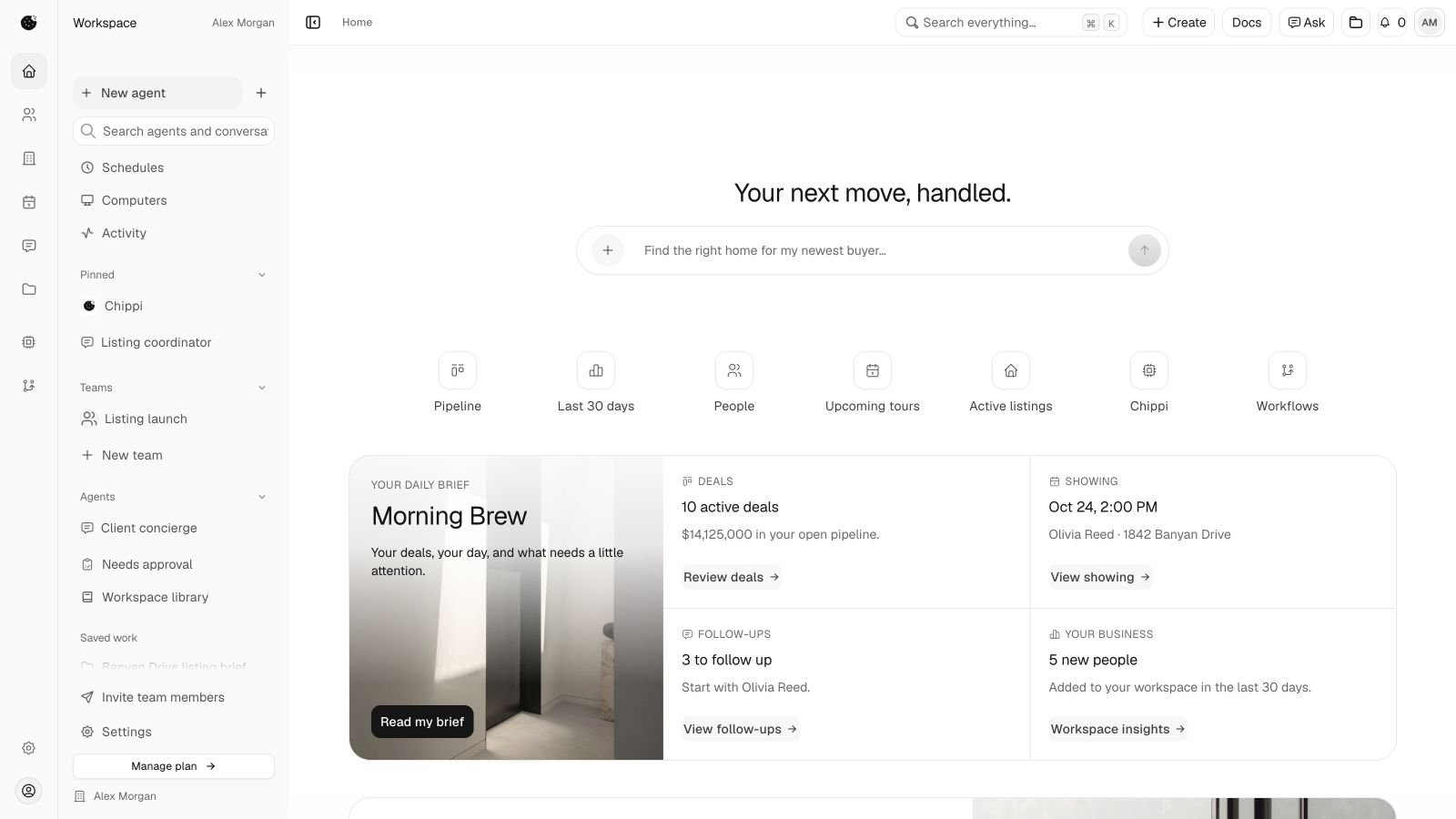
One buyer inquiry.A useful next conversation.
Olivia is looking for a home with space to work. Her inquiry, the property she is considering and the next showing belong to the same piece of work.
Follow the client workflow- 01
Read what matters
Start with the buyer’s requirements and the information they shared.
- 02
Prepare with the source
Ask an agent for a consultation brief using the current client and property details.
- 03
Choose the next action
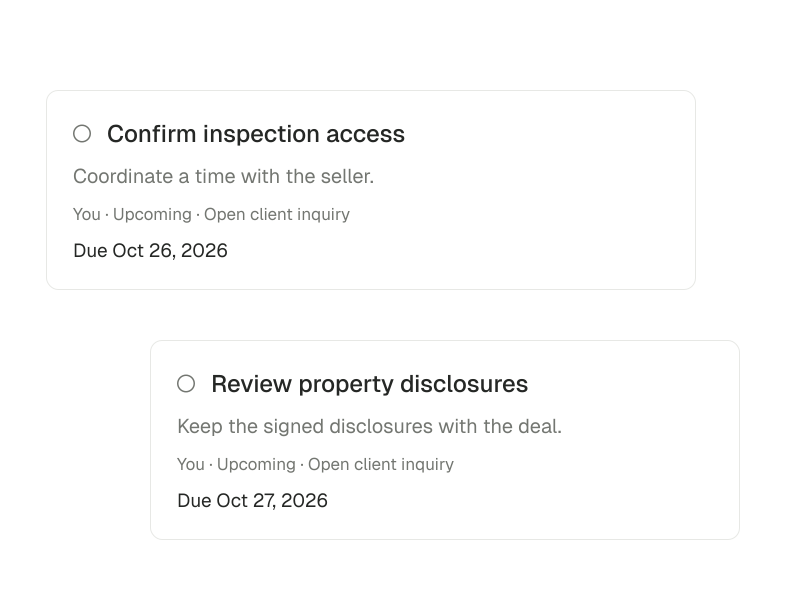
Check the brief, arrange the showing and add a follow-up with its due date.
Fictional example showing a workflow. Available tools and connections determine which tasks an agent can carry out.
Keep the details behind every clientin view.
Prepare for the next conversation.
Keep contact history, inquiries and follow-ups connected. Coordinate tours and give clients a clear way to stay involved.
Review materials before publication.
Connect property records, preparation and listing materials. Use the available tools to create drafts with the source details in view.
Find what is due or missing.
Track milestones, people and documents behind a transaction. Keep the next obligation and its owner visible.
Carry context into the handoff.
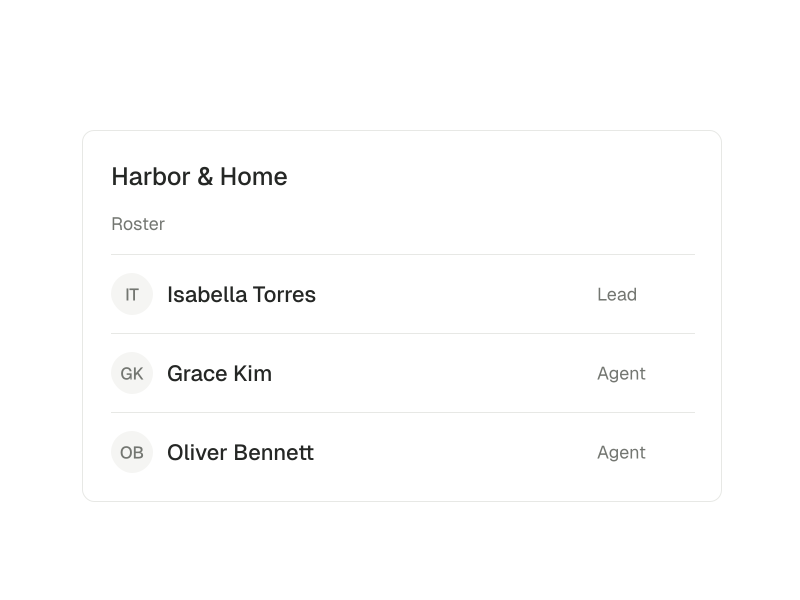
Coordinate shared leads, membership and reporting in a real-estate team or brokerage workspace. Keep access tied to the right role.



Agents that staywith the task.
Create agents for ongoing work, bring AI agents together and use computers for supported tasks. Memory, skills and routines help carry context and instructions forward.
Persistent agents
Give an agent a clear responsibility, instructions and the tools it can use. Return to the task with useful context retained.
AI agent teams
Bring software agents together for supported collaborative work. Keep their setup distinct from your real-estate team.
Computers
Use a computer as the execution environment for supported tasks. Availability depends on the configured runtime and access.
Connect the toolsa task needs.
Start with the task, then choose the tools and access required to carry it out.
- Workspace apps
Use an available app for a particular job, such as preparing a listing graphic or organizing a document.
Browse the App Store- Skills and instructions
Shape how an agent approaches the task. Instructions do not connect an account or grant access.
Understand apps and skills- External connections
Authorize supported services for the task. Available actions depend on the connection, permissions and setup.
Explore integrations
Built for your practice.Set up for your responsibilities.
Solo agents
When you own the client relationship and the administration, another tool should give the work a clearer place to live. Build a useful setup before connecting every service you use.
- Complete your profile and choose the intake form you need first.
- Keep one active client or listing record current, with its next action.
Real-estate teams
Give shared inquiries a working context while keeping personal client responsibilities distinct. Build the team’s setup around membership, ownership and the information a handoff needs.
- Set up the team roster and agree who maintains shared inquiries.
- Use the shared queue to review ownership before distributing more work.
Owner-led brokerages
For a brokerage where the owner or a small leadership group stays close to daily operations, start with membership, shared responsibilities and the reporting needed for useful management conversations.
- Confirm the brokerage roster and management roles.
- Choose the shared inquiry or referral workflow that most needs a clearer owner.
Have questions?
More answers in the help centerWhat is Chippi?
Chippi is a real-estate workspace with an AI workforce. Manage clients, listings, deals and tasks directly, or delegate supported work to persistent agents with the available tools and context.
What can I ask Chippi to do?
Start with a specific task: prepare a listing brief, review the next steps in a deal, or help organize follow-up. What Chippi can carry out depends on the workspace, tools, permissions and connections available for that task.
Do I need to connect all my apps first?
No. Start with the work and connect the tools it needs. Workspace apps, instructions and external connections do different jobs. Some optional tools need their own service or account.
What needs my review?
Client-portal reply drafts and proposed CRM changes have their own review steps. Confirmations for actions in connected tools are configured separately. Check those settings before asking an agent to act in an external account.
Can teams and brokerages use Chippi?
Yes. Personal, team and brokerage workspaces keep membership and access distinct. Shared lead routing and reporting help coordinate the human team. AI agent teams are a separate way for software workers to collaborate.
Which Chippi option is right for me?
Explore individual, team and brokerage options. Pro Performer offers more agents and usage for an individual practice; Team Plus provides more usage for real-estate teams. Book a demo to find the right fit for your work.