A clearer view of the practice.Without losing who owns the work.
For a brokerage where the owner or a small leadership group stays close to daily operations, start with membership, shared responsibilities and the reporting needed for useful management conversations.
Explore the practical guidePut the operating decisions in order.
A new agent joins while a shared lead needs attention and a referral is moving between members. The useful questions are who has access, who owns the next step and what context can be shared.
Membership
Who belongs to the brokerage and which roles manage membership.
Review current members and the permissions used for invitations and joining requests.
Shared inquiries
Which lead queue the leadership group is responsible for.
Confirm the owner and current stage before deciding the next assignment.
Referrals and shared listings
What information is being shared through the authorized network.
Check membership and revocation rather than assuming permanent visibility.
Management review
Which lead-source, activity and deal views are available to the role.
Use the actual reporting scope to guide the discussion.
The workspace behind the workflow.
Setting up a brokerage context around daily operating decisions.

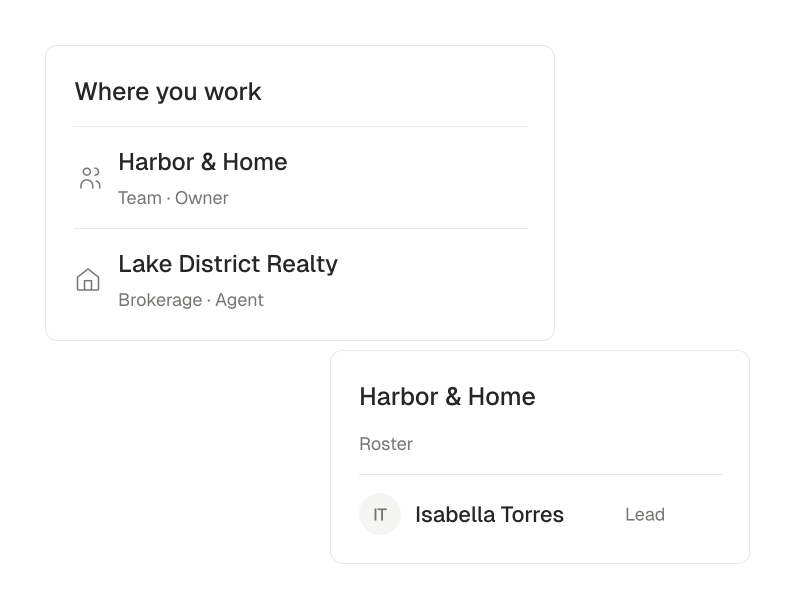
Establish the brokerage context.
Keep shared responsibilities and membership connected to the appropriate workspace.
Explore team operations
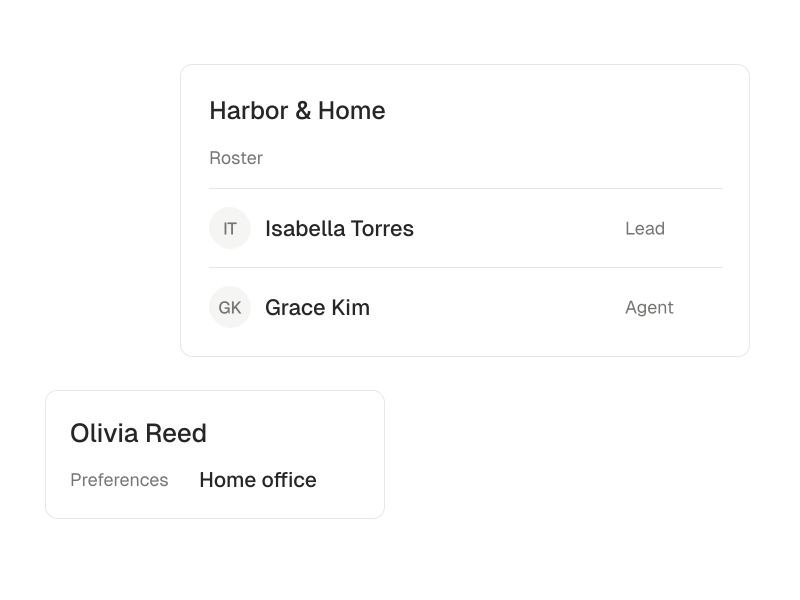
Keep the people behind the handoff visible.
Use the available roster and client context to make a referral useful.
Explore client records
Start with the people and one operating routine.
Choose the operating question before the dashboard.
Decide what you need to understand about leads, activity or deals, then inspect the relevant role-scoped reporting. Evaluate the workspace against your actual processes during a demo rather than assuming every brokerage system is included.
- Confirm the brokerage roster and management roles.
- Choose the shared inquiry or referral workflow that most needs a clearer owner.
- Review the available reporting with the people who will use it.
Choose another perspective.
Brokerages with multiple teams
Roll out shared workflows while preserving team and brokerage boundaries.
Explore brokerages with multiple teams