Keep client follow-up moving.From inquiry to the next conversation.
Bring contact history, inquiries and follow-ups together. Prepare for the next conversation, coordinate tours and give clients a clear way to stay involved.

Client record
Olivia Reed
- olivia@example.com
- Budget
- $850,000
- Looking for
- Home office
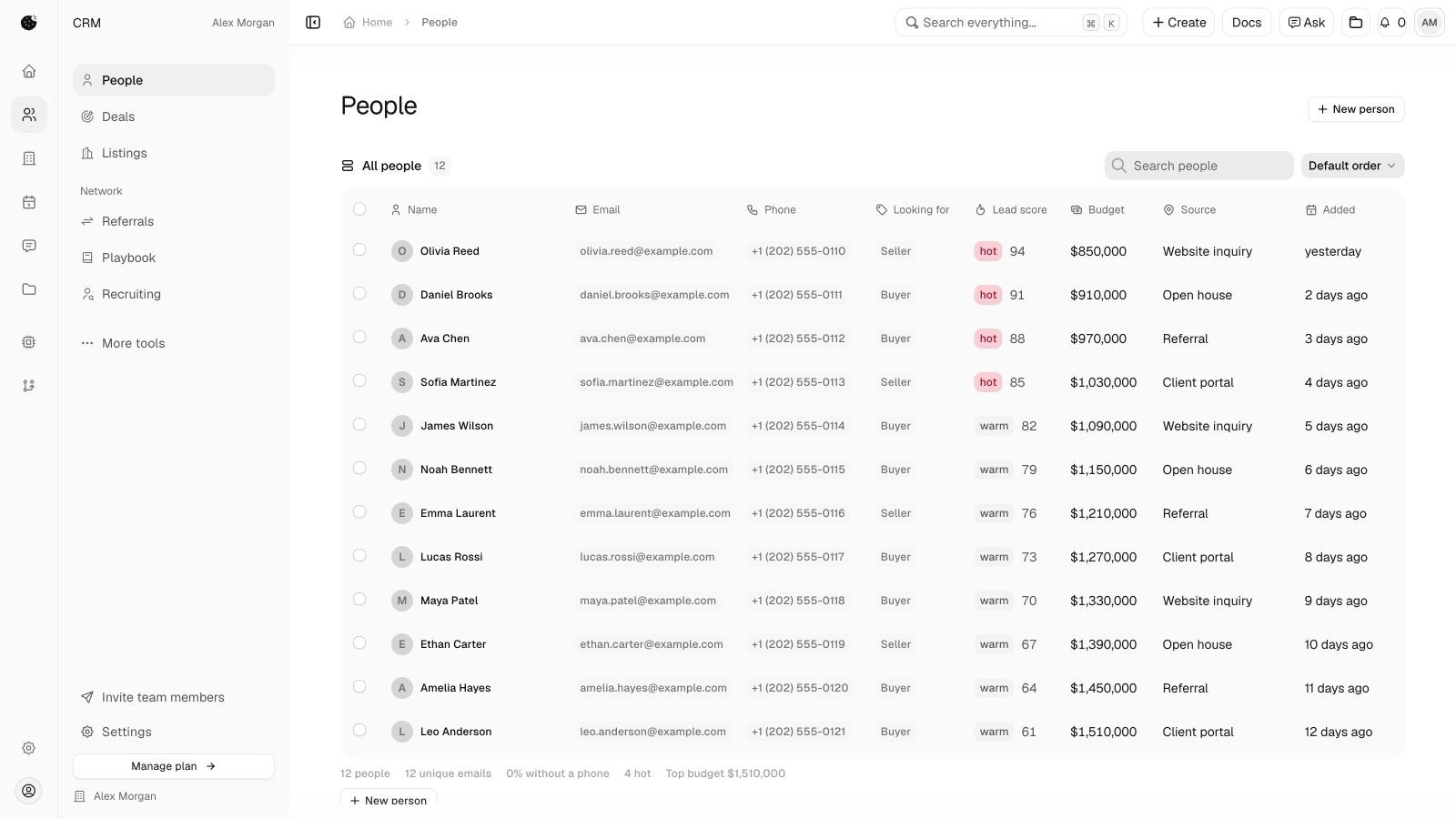
From an inquiryto a prepared conversation.

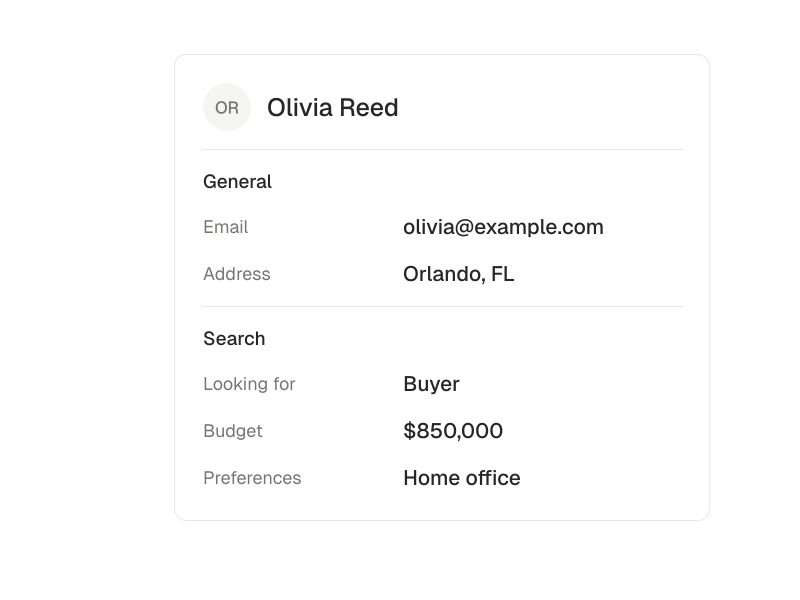
Keep the details
Before the first conversation.
Let a buyer, seller or renter share what they need. Their answers belong with the person and inquiry, not in a separate trail of tabs.

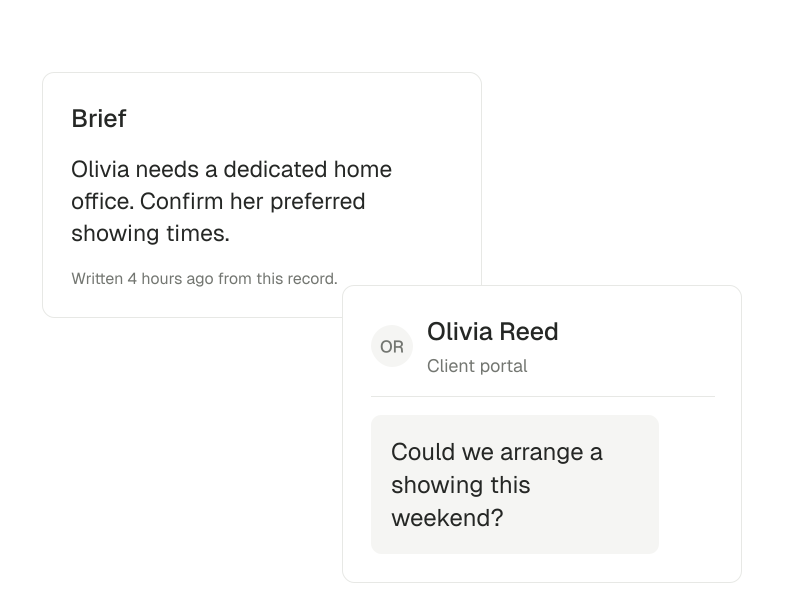
Decide what comes next
With context, not guesswork.
Review the inquiry, scoring reasons and follow-up. Prepare a portal reply and review it before it reaches the client.
Make room for the showing
Keep the relationship going.
Offer available tour times, prepare for the appointment and find the follow-up afterward. External notifications and calendars depend on your connections.
Keep the client history connected.Prepare for a useful conversation.
Read the client guidePeople and client history
Keep contact details, relationships and the history of your work together.
A public page for your practice
Give people one place to find your profile, listings and ways to get in touch.
Publish and configure your public page in your workspace.
Explore public pageIntake that keeps the context
Collect buyer, seller and renter inquiries with the answers your next conversation needs.
Email notifications require a configured delivery service.
Explore intake formsA clearer place to start
Review a lead’s answers, scoring reasons and suggested next step.
Scoring needs a connected model. Missing scores can be reviewed manually.
Follow-ups you can find
Keep new inquiries and the tasks that need attention in the same working context.
Explore follow-upsA private place for client replies
Keep portal conversations and information requests connected to the client.
Portal reply drafts wait for human review. Email delivery is configured separately.
Explore inbox
Coordinate tours and itineraries.Give clients a way to stay involved.
- A next showing, on the calendar
- Let clients request available tour times and keep the booking with the relevant records.
Connections to external calendars require their own setup.
Explore calendar - Changes without losing the thread
- Support guest cancellation, available-day waitlists and tour feedback.
Guest links and offers have expiry and availability limits.
- A showing day that makes sense
- Organize appointments and prepare an itinerary around a buyer and their selected properties.
Connected calendars and location services depend on your setup.
Explore calendar
Find and return to prospects.Keep beta tools in context.
- Return to the conversations worth having
- Bring quiet contacts and past opportunities back into a prospecting list with follow-up tasks.
Prospecting is a workspace app you add before using it.
- Find a lead. Check the source.
- Review public posts alongside the stated housing need before choosing what belongs in your CRM.
Lead Finder is in beta. It does not automatically contact prospects.