Your business and your AI workforce.In one place.
Keep clients, listings and deals in a shared working context. Manage them directly or delegate supported tasks to agents with the tools they need.

The workspace
Olivia Reed · Buyer
- Looking for
- Home office
- Property
- 1842 Banyan Drive
- Next step
- Confirm showing time
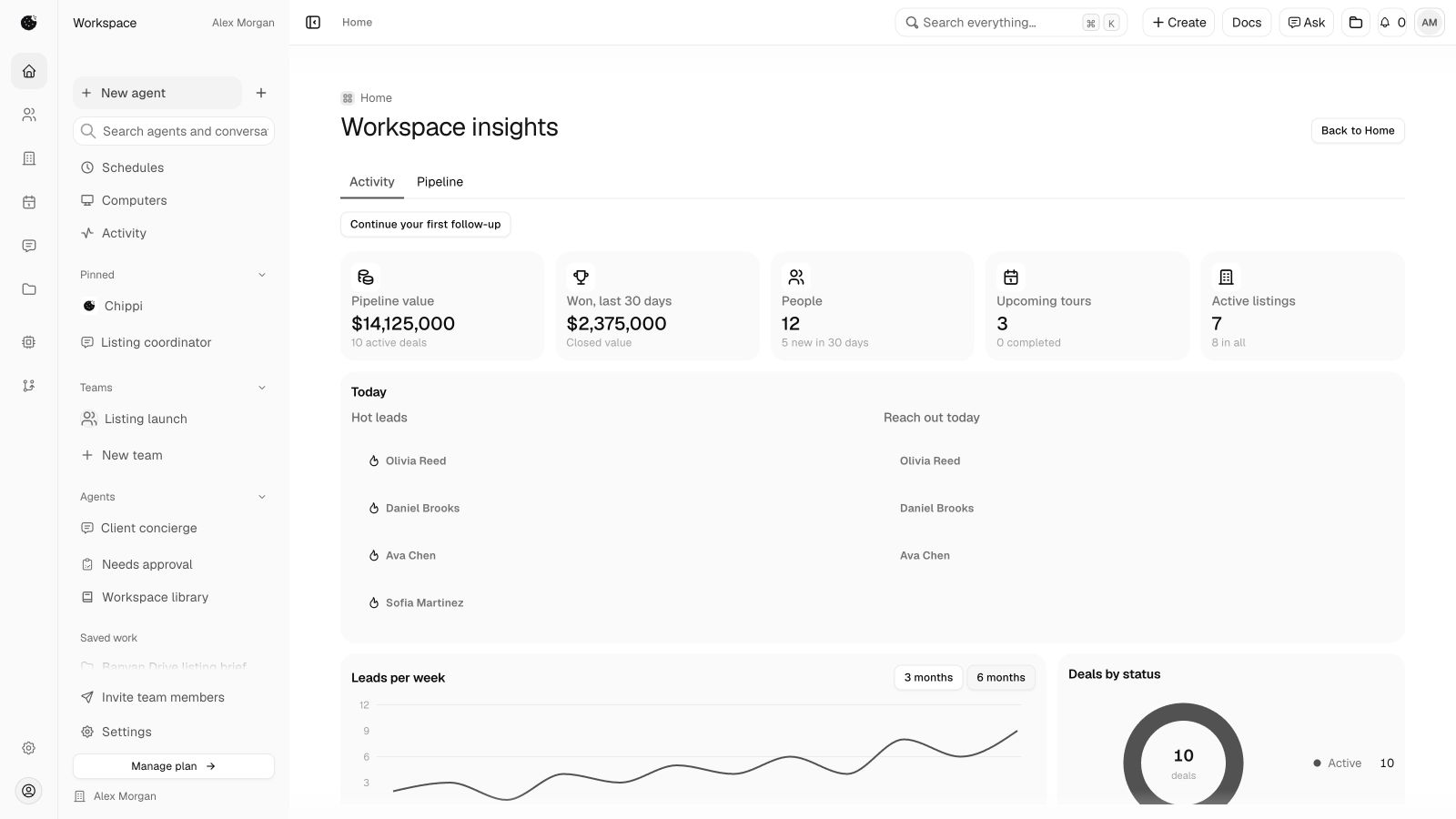
The business workspace.Clients. Listings. Deals. Your team.
Choose the client, listing or deal at the center of the task. Bring in the tools you need as the work develops.
Clients
Contact history, inquiries and follow-ups in one working context.
Explore clientsListings
Keep property facts, photos and preparation connected.
Explore listingsDeals
Track the people, documents and next steps behind a transaction.
Explore dealsTeam operations
Coordinate membership, shared leads and responsibilities.
Explore teams
Supporting the work from first inquiry to follow-through
Agents that staywith the task.
Create agents for ongoing work, bring AI agents together and use computers for supported tasks. Memory, skills and routines help carry context and instructions forward.
Persistent agents
Give an agent a clear responsibility, instructions and the tools it can use. Return to the task with useful context retained.
AI agent teams
Bring software agents together for supported collaborative work. Keep their setup distinct from your real-estate team.
Computers
Use a computer as the execution environment for supported tasks. Availability depends on the configured runtime and access.
Connect the toolsa task needs.
Start with the task, then choose the tools and access required to carry it out.
- Workspace apps
Use an available app for a particular job, such as preparing a listing graphic or organizing a document.
Browse the App Store- Skills and instructions
Shape how an agent approaches the task. Instructions do not connect an account or grant access.
Understand apps and skills- External connections
Authorize supported services for the task. Available actions depend on the connection, permissions and setup.
Explore integrations
Don’t take our word for it.Ask your own agent.
Copy a prompt into the agent you already use. It asks the agent to read Chippi’s feature reference, explain the product and assess where it fits using the business context you’ve shared.
For your own practice
Explore where the workspace and agents could help with your own client work.
For a real-estate team
Consider shared leads, responsibilities and the tools your team already uses.
For a brokerage
Consider membership, workspace boundaries and role-scoped reporting.
Your agent is asked to assess fit honestly, including setup requirements and limitations.