Turn property factsinto listing material.
Keep the listing record, preparation and marketing work connected. Use the available tools to create materials, then review them before publication.

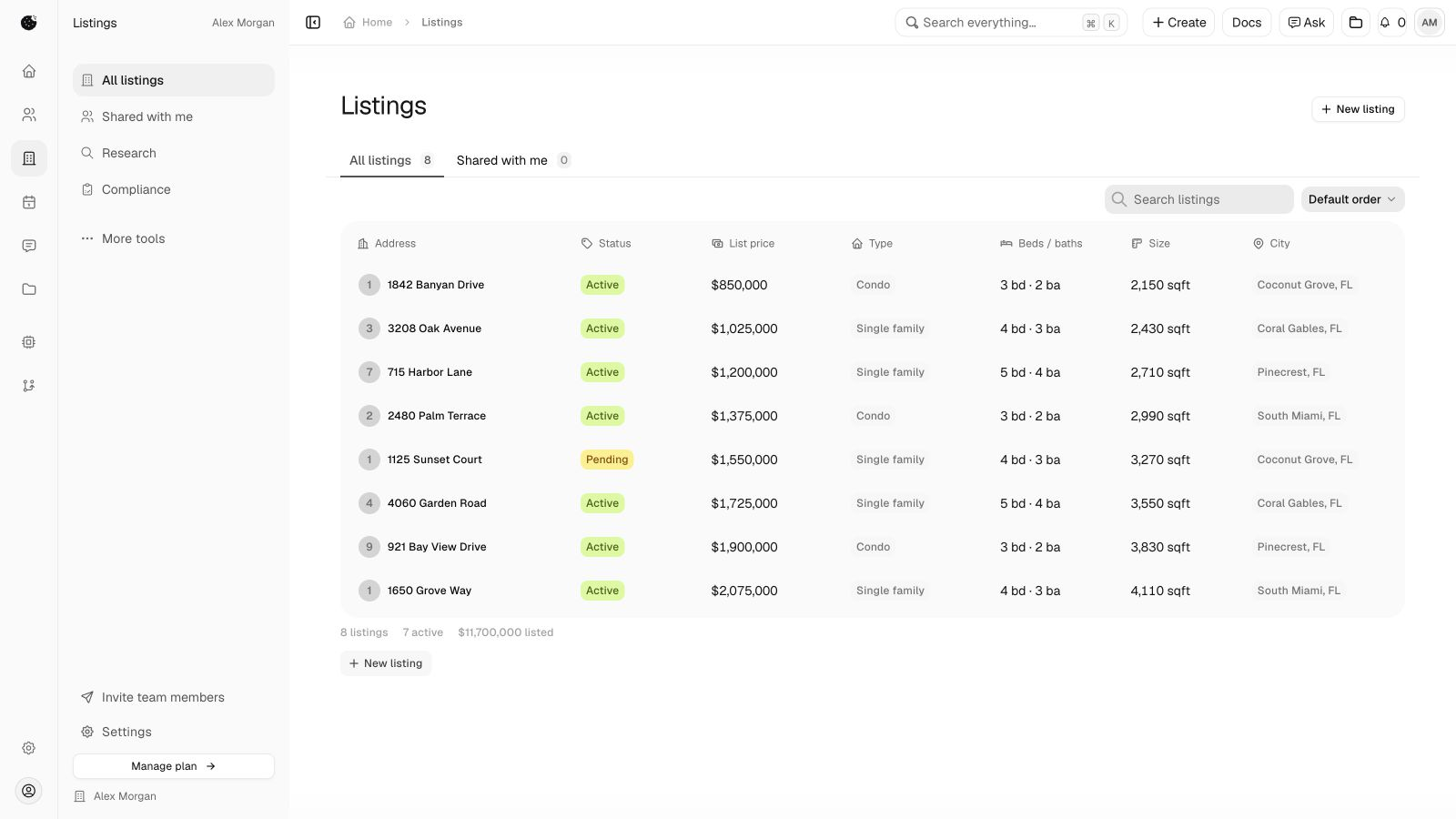
Listing record
1842 Banyan Drive
- List price
- $850,000
- Beds / baths
- 3 / 2
- Square feet
- 2,150
Start with the property.See the material take shape.
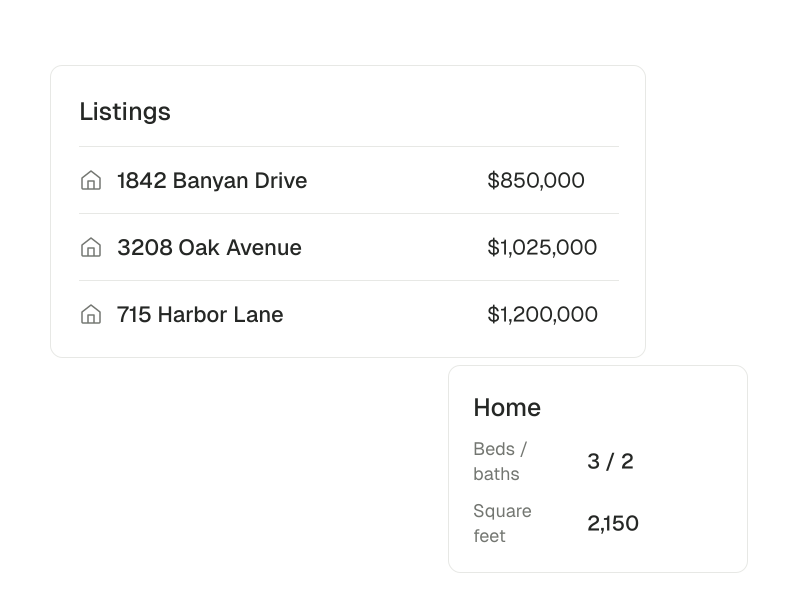
The record behind the work.
Keep property details and the people and deals connected to them in one place.
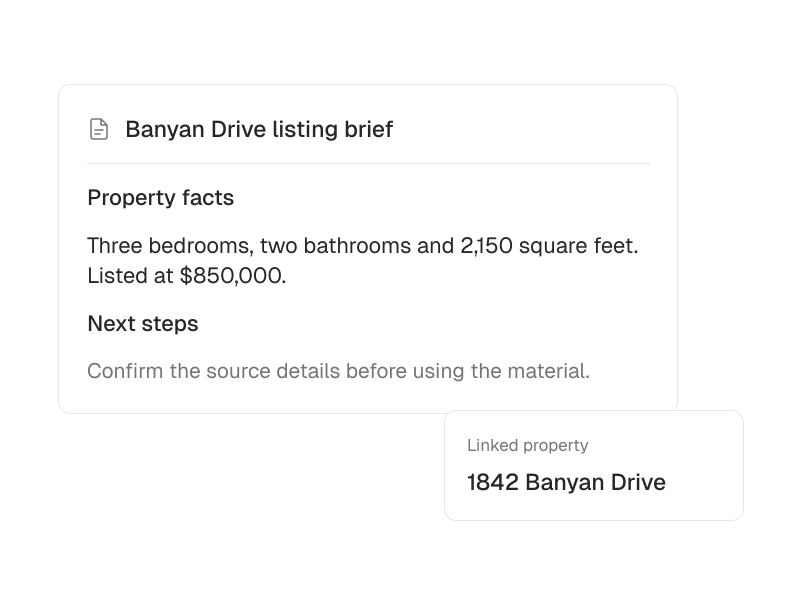
A draft grounded in the facts.
Ask for help turning listing facts into a preparation brief or draft copy you can review.
AI preparation depends on the configured model and available tools.

Look beyond the listing.Keep the sources close.
Market Compare (beta)
Compare two ZIP markets using the data snapshot you are authorized to use.
Explore Market CompareSetup and availability
Beta. Snapshots retain their source periods and missing values. Nationwide mapping and automatic refresh are not active.
Keep the research sources
Bring listing, parcel, market and neighborhood findings together with their source and date.
Read the research workflowSetup and availability
Coverage depends on available sources and access. A market index is not an individual property valuation.
Read the market conversation
Read industry news at its source and use available context to prepare a market brief.
Explore NewsSetup and availability
Feed and AI availability depend on the services configured in your workspace.
Choose the materialthe property needs.
Create a listing graphic or prepare additional media with the relevant app. Review the result before using it.
Listing graphics
Create Just Listed, Open House, Under Contract and Just Sold graphics using the listing’s own information.
Explore Listing PhotosSetup and availability
Add the Listing Photos app, then review and download the image.
Virtual staging (beta)
Prepare a room photo and staging brief, then compare the original with a generated result.
Explore StagingSetup and availability
Beta. Requires a configured image service and permission to send the photo. Generated staging needs disclosure and review.
Image enlargement (beta)
Save an enlargement request and review the result separately from its original.
Explore Image UpscalerSetup and availability
Beta. Processing requires a configured image processor.
Walkthrough briefs (beta)
Keep the source listing, content brief and review of generated material together.
Explore Walkthrough StudioSetup and availability
Beta. Generation depends on your authorized Higgsfield and Apify connections and verified service availability.