Pick up the conversation.Keep the client context.
Bring inquiry conversations, client replies and their next steps into one working view. Find the person, read the thread and see what needs your attention.

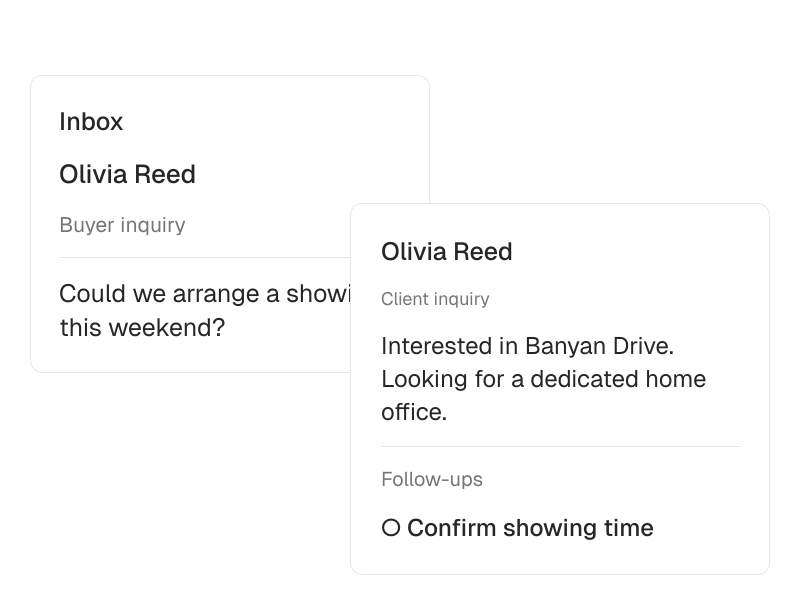
Inbox · Buyer inquiry
Olivia Reed
Could we arrange a showing this weekend?
- Follow-up
- Confirm showing time
Read the thread.Choose the next step.
Start with the source. Open the linked record before deciding on the next action.
Inquiry → person → next action
The inquiry behind the thread
Keep the person, submitted inquiry and conversation together.
- 01
Find the conversation
Use the list, unread indicators and available filters to find the inquiry you need.
- 02
Review the context
Read the client conversation alongside the person and inquiry details.
- 03
Carry the work forward
Continue in the inquiry context or open Follow-ups to see the outstanding tasks.
See what changed
Use unread indicators and the latest message preview to spot conversations that need attention.
Find the conversation
Search, sort and filter the conversations loaded in your view.
Follow through from the same place
Switch to Follow-ups to find open tasks and return to the relevant record.
Keep the first answer connected to the next action.
Intake brings the initial details into the workspace. Inbox keeps the conversation accessible, while Follow-ups and Calendar carry the next step forward.
Read the documentationWorking with inbox
Inbox is the inquiry conversation view. The separate Mailbox app is a read-only beta for connected Gmail or Outlook email.
Explore the Mailbox app