Return to what happened.Check the work before moving on.
Find saved outputs and activity, inspect proposed changes and use the available model and usage controls. Keep a prepared draft separate from an action that was actually completed.

Workspace library
Banyan Drive listing brief
3 bedrooms · 2 bathrooms · 2,150 sq ft · $850,000
- Open question
- Confirm inspection access with the seller.
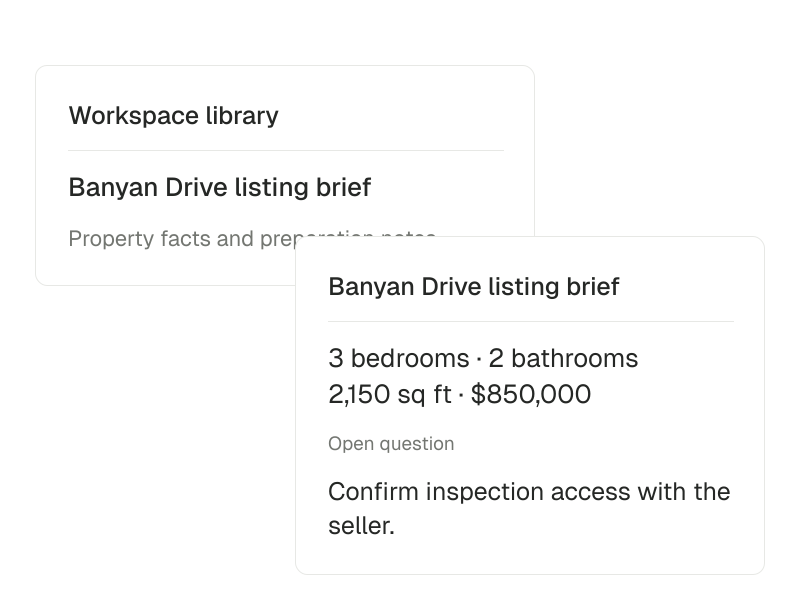
From a saved brief to the next decision.
An agent can prepare a document or propose a supported change. Review the source facts, the output and the specific action involved before deciding what comes next.
- 01
Find the output and its context
Return to saved work, files, activity and the conversation behind the task. Check that the output answers the request and uses the intended source material.
- 02
Inspect the proposed action
Review proposed CRM changes and the confirmations available for connected tools. Required CRM and portal reviews are separate from configurable tool confirmations.
- 03
Check completion and usage
Verify the result of an external action separately from its draft. Available model settings and usage controls help you understand the task’s operating allowance.
Inside review & results.
- Return to saved results
- Find saved work, activity and files after the conversation moves on.
A saved draft or file is distinct from a completed external action.
- Review proposed actions
- Inspect proposed CRM changes and set action confirmations for connected tools.
Required CRM and portal reviews are separate from configurable tool confirmations.
- Choose models and track usage
- Use available model settings and usage controls to match the task and operating allowance.
Available models, providers and usage depend on configuration and plan.
Questions about Review & results.
Does saving a draft send or publish it?
No. Saved work is distinct from a completed external action. Check the action and its result before treating a draft as sent or published.
Can I choose models and see usage?
Available model settings and usage controls depend on the configured runtime, providers and plan. This page does not promise a particular model or usage entitlement.