A working system for one practice.Start with the work you repeat.
When you own the client relationship and the administration, another tool should give the work a clearer place to live. Build a useful setup before connecting every service you use.
Explore the practical guideChoose what to bring into the workspace first.
You are preparing a showing, finishing a listing brief and trying to remember the next client follow-up. Start with the records and next actions those tasks share, then decide which part is worth giving to an agent.
Client context
Keep the current contact details, inquiry and next follow-up together.
Use supported imports when you are ready to bring more contacts across.
Appointments
Keep tours and events visible in the calendar.
Connect an external calendar when the workflow requires it.
One repeatable task
Give an agent a specific preparation task and the relevant source information.
Keep useful instructions once you know what result you want.
Saved work
Keep a finished brief or note linked to the relevant record.
Add a workspace app when the task needs its own interface.
The workspace behind the workflow.
Choosing a small, connected setup you can maintain yourself.

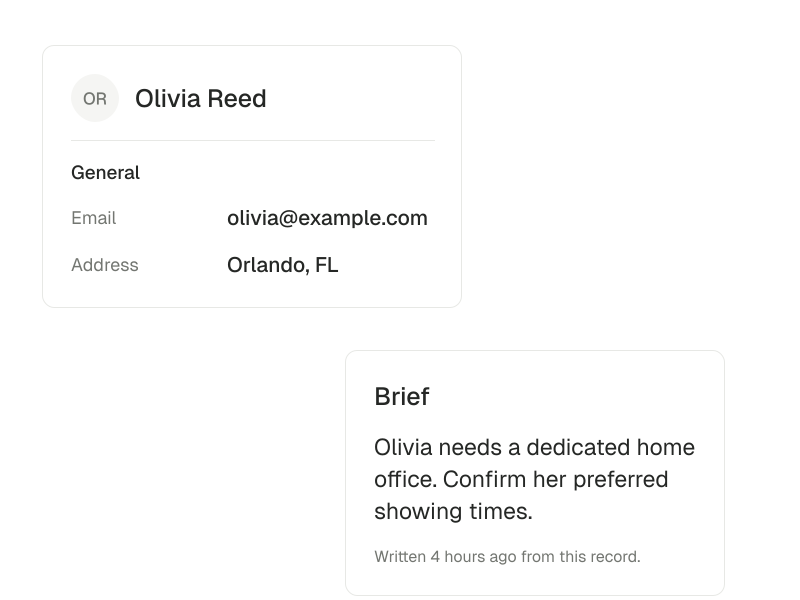
Keep the relationship in view.
Use the client record as the starting point for the next conversation.
Explore clients
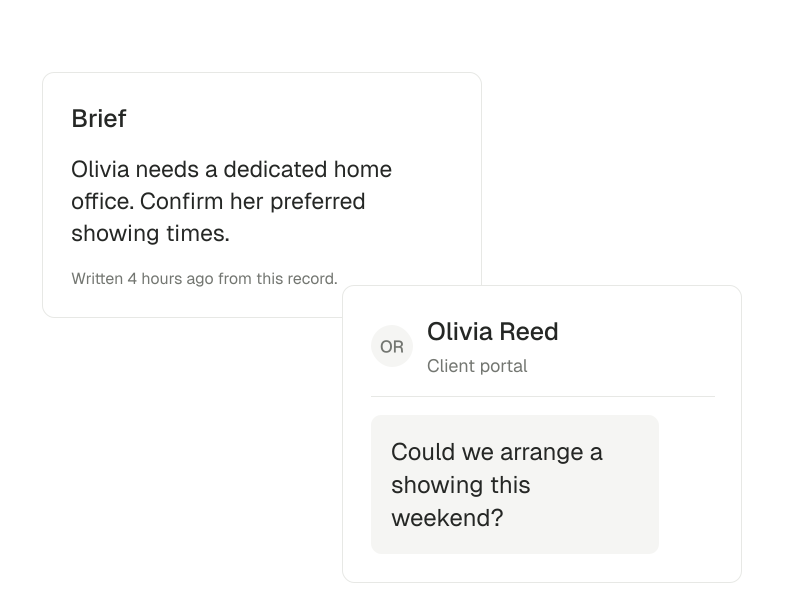
Find the conversation again.
Review inquiry threads and their client context without relying on memory.
Explore Inbox
Different properties.One connected practice.
Keep the client, the listing and the transaction connected as your day moves between conversations and properties.



Keep the context as you go.
A small setup you can return to tomorrow.
Let the task decide the connection.
Choose integrations for a specific workflow. A catalog listing is not an active connection, and importing contacts is not universal two-way CRM synchronization. Check what your account and workspace actually support.
- Complete your profile and choose the intake form you need first.
- Keep one active client or listing record current, with its next action.
- Try one supported agent task and keep the useful result.
Choose another perspective.
Buyer’s agents
Prepare conversations, coordinate showings and keep the follow-up together.
Explore buyer’s agents