Give supported tasksan environment to run in.
An available computer and browser environment lets an agent carry out supported work beyond the conversation. Configure access for the task, keep the source details close and check what happened.

Computer setup
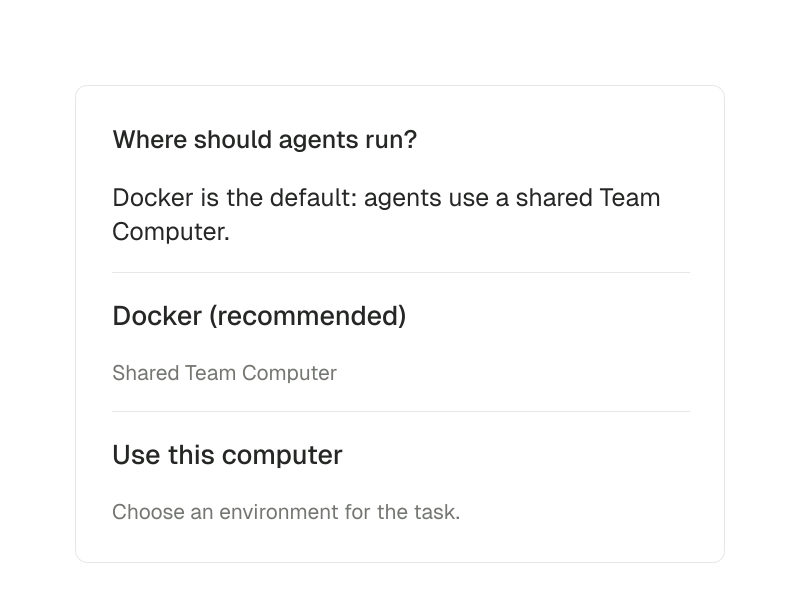
Where should agents run?
Docker is the default: agents use a shared Team Computer.
- Environment
- Docker (recommended)
- Alternative
- Use this computer
Prepare before the browser work starts.
When a supported task needs a computer, start with a concrete brief: the authorized service, the source information and the expected output. Computer availability and service access are separate requirements.
- 01
Define the task and its destination
Name the source record, the service involved and what a successful result would look like. Avoid treating a broad request as permission for unrelated account actions.
- 02
Check the environment and access
Use an available configured computer and the connections the task requires. A computer being present does not mean every website or account is connected.
- 03
Inspect the outcome
Return to the conversation, activity and saved work. Check whether the task produced a file, changed something externally or still needs input.
Inside computers.
- Give agents a computer for supported tasks
- Give an agent an available computer and browser environment for supported tasks.
Computer access depends on configuration and permissions.
Questions about Computers.
Can an agent use any website automatically?
No. Supported tasks depend on the available runtime, browser environment, permissions and the service itself. Computer access does not grant blanket account access.
Is a saved file proof that the task was published?
No. A file is an output you can inspect. Sending, publishing or changing an external service is a separate action whose result must be checked.